
In shell scripting, particularly within the bash environment, efficient conditional logic is paramount for creating robust and interactive scripts. The bash case statement provides a powerful and elegant way to handle multiple conditional branches based on pattern matching. This construct allows your scripts to execute different blocks of code depending on the value of a variable or expression, offering a cleaner alternative to long `if-elif-else` chains. Understanding its syntax and applications can significantly enhance your scripting capabilities.
What is a Bash Case Statement? Core Concepts & Syntax
A Bash Case Statement is a control flow construct designed for multi-way branching. It evaluates a given expression against several patterns and executes the code block associated with the first matching pattern. This mechanism is particularly useful when you need to perform different actions based on a discrete set of possible values.
Defining the Bash Case Statement
The Bash Case Statement operates by comparing a word against a list of patterns. Upon finding a match, the corresponding commands are executed. It streamlines code that would otherwise involve numerous `if` and `elif` conditions. Consequently, your scripts become more readable and easier to maintain.
Basic-syntax-and-structure-explained">Basic Syntax and Structure Explained
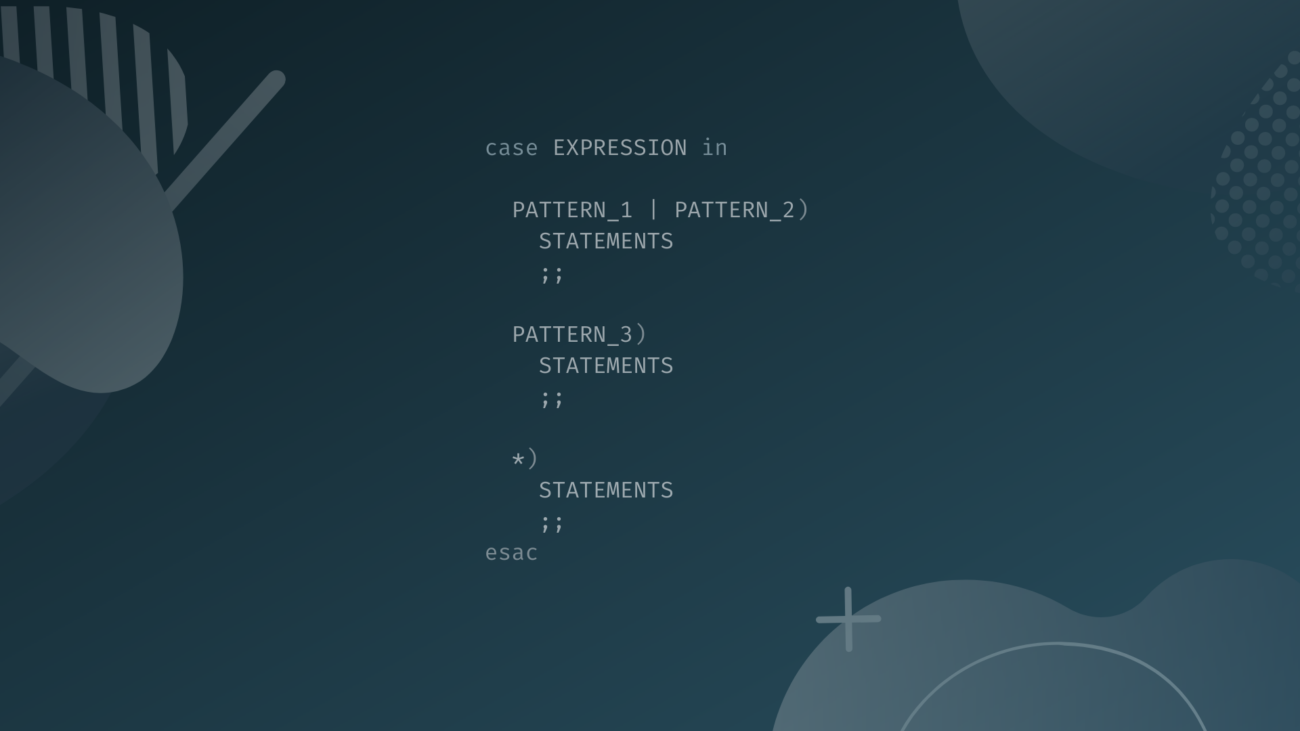
The fundamental structure of a Bash Case Statement is straightforward. It begins with the `case` keyword, followed by the variable or expression to be evaluated, and then `in`. Each pattern-matching block concludes with `;;`. Finally, the entire statement ends with `esac` (case spelled backward).
case expression in
    pattern1)
        command1
        command2
        ;;
    pattern2)
        command3
        ;;
    *)
        default_command
        ;;
esac
How Bash Case Statements Process Patterns
Bash Case Statements process patterns sequentially from top to bottom. The first pattern that successfully matches the expression triggers its associated commands. Importantly, once a match is found and its commands are executed, the statement terminates. This sequential evaluation ensures predictable behavior.
- The `expression` is the value being tested.
- Each `pattern` is a glob-style pattern (like `*` or `?`).
- `command(s)` are the instructions executed upon a match.
- The `;;` (double semicolon) marks the end of a pattern’s command list.
Implementing Bash Case Statements: Practical Syntax & Examples
Implementing Bash Case Statements involves understanding how to define patterns and structure the command blocks. These statements are incredibly versatile, supporting simple exact matches as well as more complex wildcard patterns. Let’s explore some practical examples to solidify your understanding.
Single Pattern Matching in Bash Case
The simplest form of a Bash Case Statement involves matching a single, exact pattern. This is ideal for scenarios where you expect specific input and want to react accordingly. For instance, you might check for a specific command-line argument.
read -p "Enter 'yes' or 'no': " answer
case $answer in
    yes)
        echo "You chose yes."
        ;;
    no)
        echo "You chose no."
        ;;
    *)
        echo "Invalid input."
        ;;
esac
Handling Multiple Patterns with OR Logic
Bash Case Statements can also handle multiple patterns for a single command block using the `|` (OR) operator. This allows you to group similar conditions together, reducing code redundancy. It’s a very efficient way to manage various inputs that should trigger the same action.
read -p "Enter a weekday (Mon-Fri): " day
case $day in
    Mon|mon|Monday|monday)
        echo "It's Monday, start of the week!"
        ;;
    Tue|tue|Tuesday|tuesday)
        echo "It's Tuesday."
        ;;
    *)
        echo "That's not a valid weekday."
        ;;
esac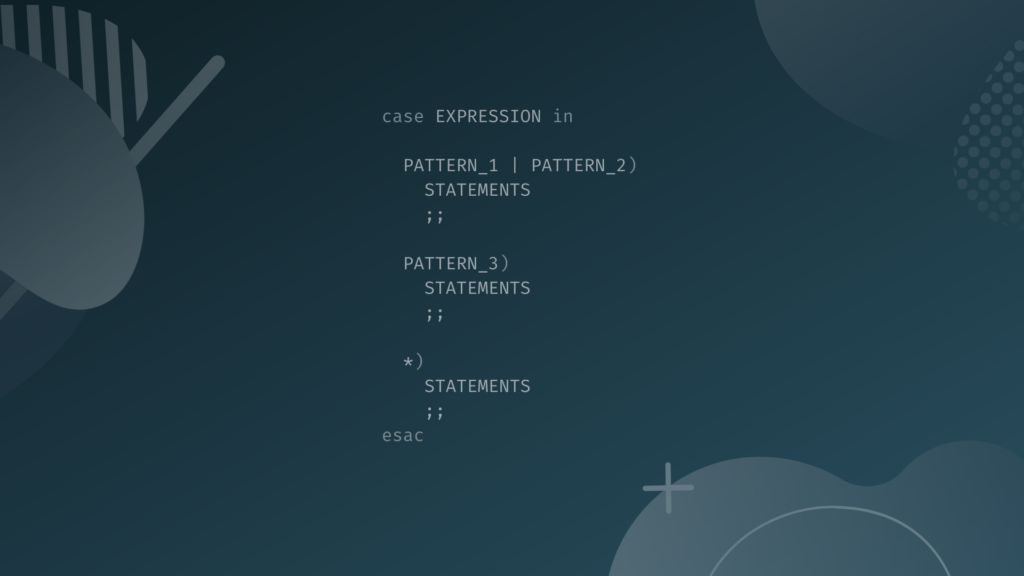
The Default Case: Catch-all Pattern (*)
The `` (asterisk) pattern serves as a catch-all or default case in a Bash Case Statement. If none of the preceding patterns match the expression, the commands associated with `` will execute. This is crucial for handling unexpected input or providing fallback behavior, making your scripts more robust.
- Define specific patterns first.
- Place the `*` pattern as the last entry in your case statement.
- Include commands for handling any non-matching input.
- Ensure the `;;` terminator is present for the default case.
Real-World Applications of Bash Case Statements
Bash Case Statements are not just theoretical constructs; they are practical tools for everyday scripting. Their ability to elegantly handle diverse inputs makes them indispensable in various real-world scenarios. From interactive menus to argument parsing, their utility is broad.
Creating Menu-Driven Scripts
One of the most common applications for the Bash Case Statement is building menu-driven scripts. Users can select options from a list, and the script responds accordingly. This makes scripts user-friendly and interactive, guiding users through available functionalities.
Processing Command-Line Arguments Effectively
Scripts often need to process command-line arguments to modify their behavior. A Bash Case Statement can efficiently parse these arguments, allowing your script to react differently based on flags or parameters provided by the user. This enhances script flexibility and reusability. For more on Bash scripting fundamentals, consider exploring resources like the GNU Bash Manual (https://www.gnu.org/software/bash/manual/bash.html){target=”_blank” rel=”nofollow noopener noreferrer”}.
File Type and Extension Identification
You can use case statements to identify file types based on their extensions. This is useful in scripts that process files, allowing them to apply different operations to, for example, `.txt` files versus `.sh` scripts. It provides a clean way to categorize and act upon file attributes.
Advanced Techniques for Bash Case Statements
Beyond basic pattern matching, Bash Case Statements offer advanced features that empower more sophisticated scripting. Understanding these techniques allows you to write more powerful and flexible conditional logic. Mastering them will elevate your Bash scripting skills.
Using Wildcards and Globbing in Case Patterns
Bash Case Statements support various wildcards, also known as globbing patterns. These include `*` (matches any string), `?` (matches any single character), and `[]` (matches a range of characters). Leveraging these patterns enables flexible matching, rather than just exact string comparisons. This makes your patterns much more dynamic.
Nesting Bash Case Statements for Complex Logic
For highly complex conditional logic, you can nest Bash Case Statements within each other. This means one `case` statement’s command block can contain another `case` statement. While powerful, nesting should be used judiciously to maintain script readability and avoid excessive complexity.
Handling Empty or Invalid Input Gracefully
Robust scripts anticipate and handle unexpected input, including empty or invalid entries. By strategically using the `*` default pattern and potentially combining it with checks for empty strings, your Bash Case Statement can provide informative feedback or default actions. This prevents script failures and improves user experience.
Bash Case Statement vs. If-Else: When to Choose Which
Both Bash Case Statements and `if-elif-else` constructs handle conditional logic, but they excel in different scenarios. Knowing when to choose one over the other is crucial for writing efficient and maintainable Bash scripts. Each has its distinct advantages.
Readability and Maintainability Comparisons
For multiple discrete conditions based on a single variable’s value, the Bash Case Statement often offers superior readability. Its structured pattern-matching format is easier to scan than a long chain of `if-elif-else` statements. This clarity significantly aids in long-term script maintenance.
Performance Considerations for Bash Case
While micro-benchmarks might show slight differences, for most practical scripting tasks, the performance difference between `case` and `if-elif-else` is negligible. Prioritize readability and maintainability unless you are dealing with extremely performance-critical loops. The impact on execution speed is usually minimal.
Optimal Use Cases for Each Control Structure
Choose a Bash Case Statement when you’re matching a single variable against multiple distinct patterns. Conversely, use `if-elif-else` when conditions involve complex logical expressions, comparisons between different variables, or range checks. Each tool serves its purpose best in specific contexts.
- Bash Case Statement: Best for discrete value matching, menu systems, and simple argument parsing.
- If-Else Statements: Ideal for complex logical conditions, numerical comparisons, and evaluating multiple variables.
- Consider `case` for clearer code when many `elif` branches exist for one variable.
Best Practices for Writing Robust Bash Case Statements
Writing effective Bash Case Statements goes beyond just understanding the syntax; it involves adopting best practices that ensure your scripts are reliable, readable, and easy to debug. Following these guidelines will lead to higher quality code. This also contributes to better collaboration.
Ensuring Code Clarity and Indentation
Proper indentation is vital for the readability of any code, especially with nested structures or multiple patterns in a Bash Case Statement. Consistent indentation makes it easy to visually parse the logic and identify command blocks. Use spaces or tabs uniformly throughout your script.
Error Handling and Validation within Case Blocks
Integrate error handling and input validation directly into your case blocks. For example, if a user input is expected to be a number, validate it before proceeding. This proactive approach prevents unexpected behavior and makes your scripts more resilient. Always anticipate potential issues.
Avoiding Common Pitfalls and Debugging Tips
A common pitfall is forgetting the `;;` terminator, which can lead to unexpected fall-through behavior. Always ensure each pattern block is correctly terminated. For debugging, use `echo` statements to print the value of the expression being tested. This helps trace execution flow and identify pattern mismatches.
Frequently Asked Questions About Bash Case Statements
Many users have common questions about the Bash Case Statement’s behavior and capabilities. Addressing these directly can clarify misunderstandings and provide immediate solutions. Here are some of the most frequently asked questions.
Can I use variables in Bash case patterns?
Yes, you can use variables within your Bash case patterns. However, these variables will be expanded before the pattern matching occurs. This means the case statement will match against the value of the variable at the time of evaluation, not the variable name itself. It offers dynamic pattern definition.
What happens if no pattern matches in a case statement?
If no pattern matches the expression in a Bash Case Statement, and you have not included a default `*)` pattern, the statement simply terminates without executing any commands. No error is typically generated, but no action is taken. Therefore, including a default case is often a good practice.
Is `case` faster than `if-elif-else` in Bash?
In many scenarios, particularly with a large number of discrete conditions, the Bash `case` statement can be marginally faster than an equivalent `if-elif-else` chain. This is because `case` is often optimized internally for pattern matching. However, for most scripts, the difference is negligible. Focus on readability and maintainability first.
Conclusion: Harnessing the Power of Bash Case Statements
The Bash Case Statement is an incredibly valuable tool for any shell scripter, offering a clear and efficient way to manage conditional logic. By understanding its syntax, various applications, and best practices, you can write more organized, robust, and user-friendly scripts. It simplifies complex decision-making processes, making your code easier to read and maintain. Start integrating this powerful construct into your Bash scripts today to elevate their functionality and elegance. Share your favorite uses for the Bash Case Statement in the comments below!
